Tool alternatives
5 Best Unlimited iLoveIMG Alternatives
I would not replace iLoveIMG just because another tool exists. I would replace it when the job is narrower than iLoveIMG: make this image smaller, resize it, convert it, or turn a set of images into a PDF without getting stuck in a broad editor workflow.
01
Why people look for iLoveIMG alternatives
If you searched “iLoveIMG alternative,” you probably already know the site. The problem is usually not discovery. The problem is that a simple image job met a limit, an account step, an ad-heavy page, or a workflow that felt broader than necessary.
iLoveIMG’s own pricing page describes the free side as access to essential tools with limited processing, while Premium includes full access, unlimited processing, higher image processing capabilities, regional file processing, ad removal and priority support.
That is a fair model for a mature image suite. But it also explains the search demand. A person who only needs HEIC to JPG, PNG to WebP, a crop, a resize, or images to PDF may be better served by a narrower tool.
- You need one image task, not a full image suite.
- You hit free processing, file size, batch, or account friction.
- You want the output picked by destination: website, upload form, client handoff or PDF submission.
02
Quick picks: the 5 unlimited alternatives
I use “unlimited” in the practical search sense: not trapped by the specific free-tier bottleneck that made you look for an alternative. It does not mean physics disappears. Browser memory, local hardware, file size, license terms and paid service limits still matter.
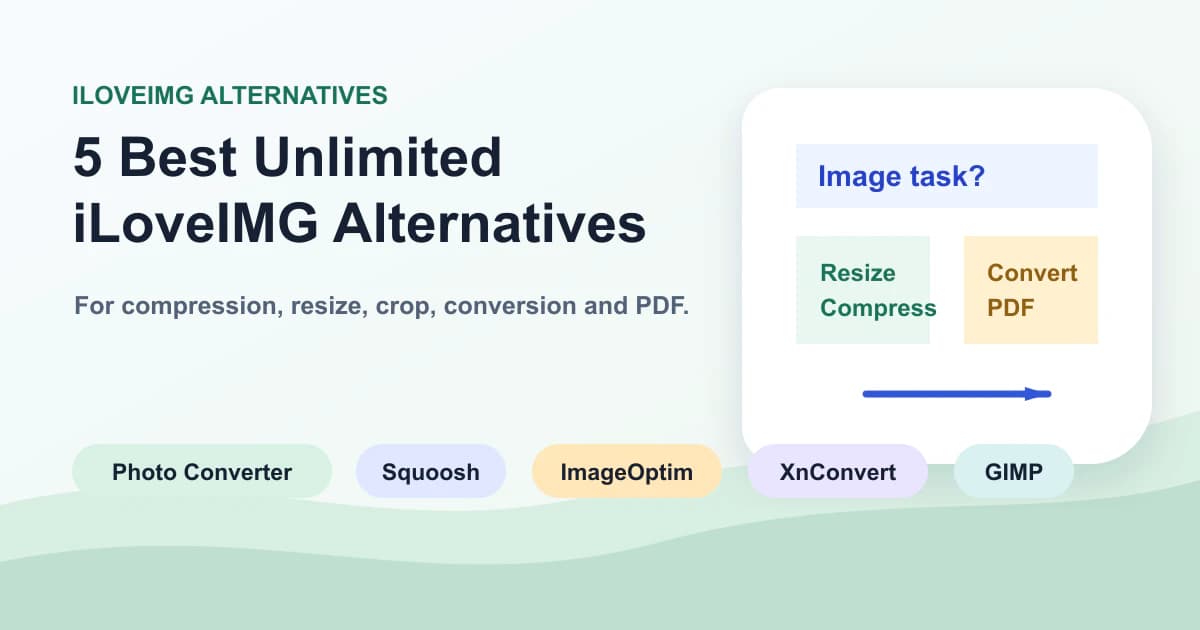
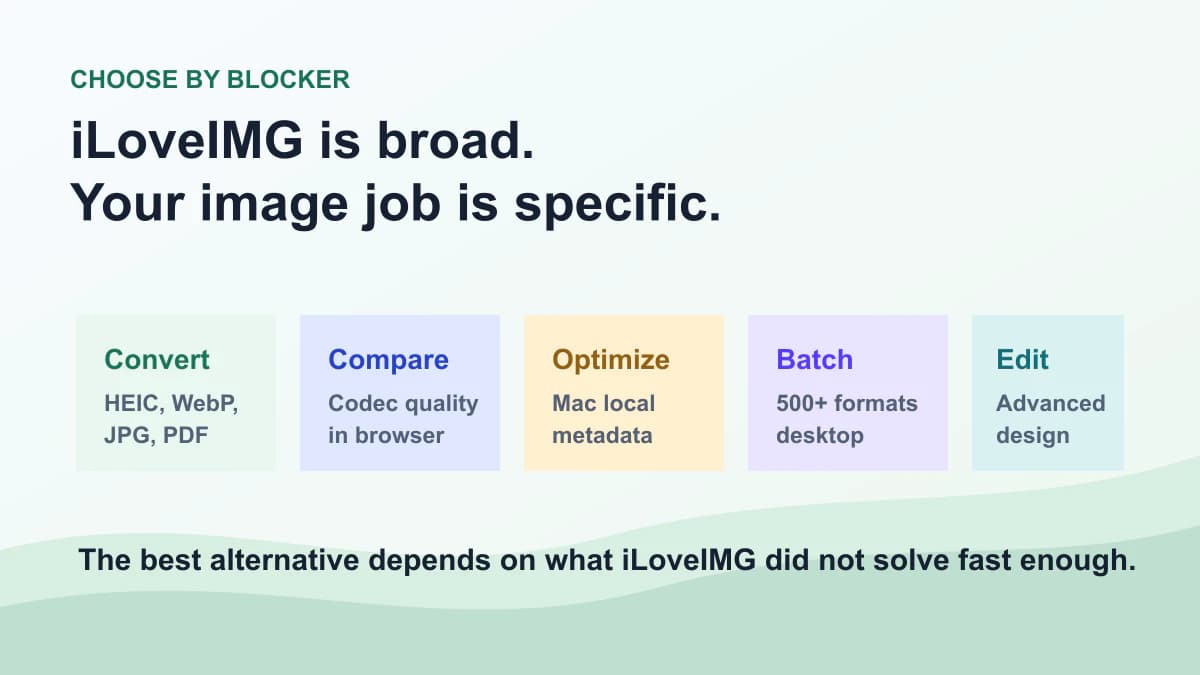
The five tools below are useful for different reasons. Photo Converter is image-workflow first, Squoosh is browser-local compression control, ImageOptim is Mac-local optimization, XnConvert is desktop batch conversion, and GIMP is advanced editing when the image needs real retouching.
| Tool | Best when | Main trade-off |
|---|---|---|
| Photo Converter | You need conversion, compression, resize, crop or PDF delivery in one image-first workflow | Not a full photo editor or design suite |
| Squoosh | You want browser-local compression and side-by-side codec comparison | Manual and not ideal for large repeated batches |
| ImageOptim | You are on Mac and want drag-and-drop local optimization and metadata cleanup | Mac-only desktop workflow |
| XnConvert | You need desktop batch conversion, presets, and many formats | More settings than casual users need |
| GIMP | The image needs retouching, composition or design-level editing before export | Heavier than a quick converter |
03
1. Photo Converter: best for direct image jobs
Photo Converter is my first recommendation when the task is not “edit this image creatively,” but “make this file acceptable to the next place.” That next place might be a CMS, a job form, an email, a client handoff or a PDF upload field.
This is where iLoveIMG can feel broad. If you already know the job is HEIC to JPG, PNG to WebP, WebP to JPG, compress an image, resize an image, crop an image, or images to PDF, a focused path is faster.
The honest limit: Photo Converter is not trying to be a full iLoveIMG replacement for every editing feature. It is better when the job is conversion and delivery, not design.
Useful links
- ToolConvert image formatsUse this when the receiver needs a different image format.
- ToolCompress image filesUse this when the format is accepted but the file is too large.
- ToolResize an imageUse this before web upload when pixel dimensions are the real problem.
- ToolCrop an imageUse this when the platform wants a stricter aspect ratio.
- ToolConvert images to PDFUse PDF when loose images need to behave like ordered pages.
04
2. Squoosh: best for local compression control
Squoosh is the tool I recommend when someone wants to see what compression actually does. Its official description says it lets you compress and compare images with different codecs in your browser, and the page explains that images never leave your device because the work is done locally.
That makes it a strong iLoveIMG alternative for privacy-sensitive one-off optimization, WebP/AVIF experiments, and visual comparison. It is not my first pick for a folder of 80 product images because the workflow is intentionally manual.
05
3. ImageOptim: best for Mac optimization
ImageOptim is the Mac option I recommend when the workflow is “drop files, remove metadata, reduce size, keep working.” Its official page describes a free and open-source Mac app that compresses images, preserves quality, removes private EXIF metadata and combines several optimization tools.
It is not a format-decision guide and it will not replace a web converter for HEIC uploads or PDF delivery. But for Mac users publishing images on websites, it is still one of the cleanest local alternatives.
06
4. XnConvert: best for desktop batch conversion
XnConvert is the desktop alternative I would choose when the problem is repeated batch work. Its official page describes a free cross-platform batch image converter for Windows, macOS and Linux, with more than 500 supported formats and more than 80 actions such as resize, filters, watermark and metadata.
This is not the lightest choice for one JPG upload. It shines when you need repeatable presets, folders, format variety and a desktop workflow that does not depend on a web queue.
07
5. GIMP: best when editing comes before export
GIMP belongs on this list because some iLoveIMG searches are really editing searches. The official GIMP site calls it the free and open-source image editor, with tools for high-quality image manipulation, retouching, restoration, creative composites and scripted image manipulation.
I would not use GIMP for a two-second PNG to JPG conversion. I would use it when the file needs real editing before export: clean up a product photo, remove a blemish, rebuild a composition, then export a delivery copy.
08
A safer image workflow after iLoveIMG
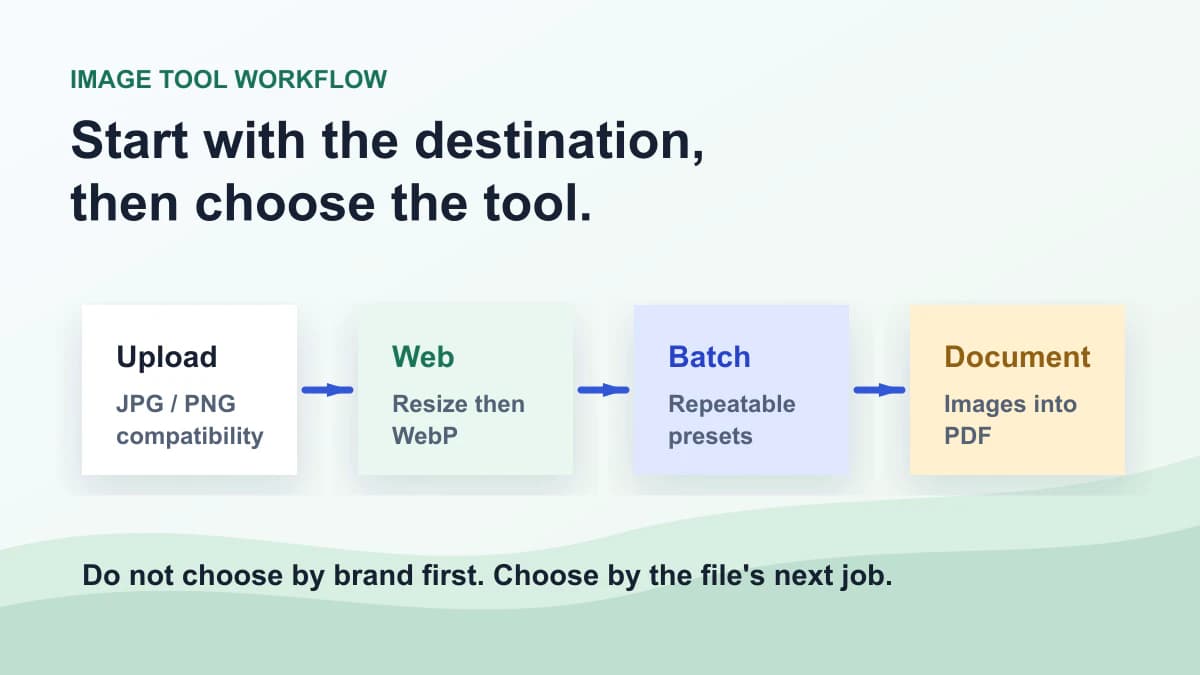
My practical workflow is destination first, tool second. If the destination is a form, make the safest JPG or PNG copy. If it is a public web page, resize first, then compress or convert to WebP when the CMS supports it. If it is a document submission, package the images as PDF.
Do not overwrite the original. Export a delivery copy, open it at the final destination size, then decide whether another compression pass is worth it. This habit prevents the common mistake of chasing a smaller file while damaging the version you still need.
09
My honest recommendation
Use iLoveIMG when you want a broad online image suite and its free or Premium model fits your workload. It is a polished product, and there is no reason to replace something that already finishes the job.
Use Photo Converter when the job is direct image conversion, compression, resize, crop or PDF delivery. Use Squoosh for local codec comparison, ImageOptim for Mac optimization, XnConvert for desktop batch work, and GIMP when editing matters before export.
This article is meant to earn the iLoveIMG alternatives click by being useful. We do need search traffic, but useful traffic is the only kind worth building.
FAQ
FAQ
- Is iLoveIMG still worth using?
- Yes. iLoveIMG is still useful when you want a broad online image suite and its free or Premium limits fit the job.
- What does unlimited mean in this article?
- It means alternatives that avoid the specific free processing, account, batch or workflow bottleneck that made you leave iLoveIMG. It does not mean every practical, hardware or license limit disappears.
- Is Photo Converter a full iLoveIMG replacement?
- No. Photo Converter is better for direct conversion, compression, resize, crop and PDF delivery. iLoveIMG is broader as an online image suite.
- Which iLoveIMG alternative is best for compression quality?
- Squoosh is the best pick when you want to compare codecs and quality visually in the browser. ImageOptim is better for Mac drag-and-drop optimization.
- Which alternative is best for batch conversion?
- XnConvert is the strongest desktop choice for repeated batch conversion, presets and many image formats. Photo Converter is better for quick online image tasks.
- Which alternative is best for HEIC to JPG?
- Photo Converter is the best fit for a quick HEIC to JPG upload workflow because this is a compatibility conversion, not a full editing task.
- Should I use GIMP instead of iLoveIMG?
- Only when the image needs real editing before export. For quick compression, resize, crop or conversion, GIMP is usually heavier than necessary.
- Is this article just using iLoveIMG for traffic?
- We do want search traffic, but the recommendation has to be useful. That is why the article still recommends iLoveIMG when a broad suite fits, and recommends each alternative only for the workflow where it is stronger.
 Image ConverterUse our Image Converter to change JPG, PNG, WebP, AVIF, GIF, BMP or TIFF files online. Choose JPG, PNG, WebP, AVIF or GIF output in seconds—no signup.
 Compress ImageCompress image files online while keeping JPG, PNG or WebP output. Choose quality, compare file sizes, and download privately. Free to start, no signup.
 Resize ImageResize Image locally in your browser for free. Set exact width and height, preserve proportions, and export JPG, PNG, or WebP. No upload or signup required.